First steps for new players
Use this reading route to prepare your first session. Return to the combat sections below when you want to practice a specific action.
- Set up Controller & Keyboard Settings, then follow the practice route.
- Choose your Campaign difficulty and check co-op setup before starting with friends.
- Keep the Campaign walkthrough open for chapter navigation.
- Plan your next stop with Supply Caches and Side Missions.
- For multiplayer, continue with Horde Siege or Versus.
Survive your first night in Kalona
| Situation | What to do |
|---|---|
| Low health, enemy closing in | Blindfire from cover while recovering instead of exposing yourself for a melee attack. |
| Your weapon is wrong for the encounter | Use a supply cache to change your loadout; experiment with weapon roles. |
| Optional route appears | Side missions often award weapon mods. Check the side path before advancing. |
| Sharp audio chime in a new area | A collectible is nearby. Search the room or side street. |
Plan the next stop with Supply Caches, Side Missions and the Collectibles checklist.
Active Reload and partial reloads
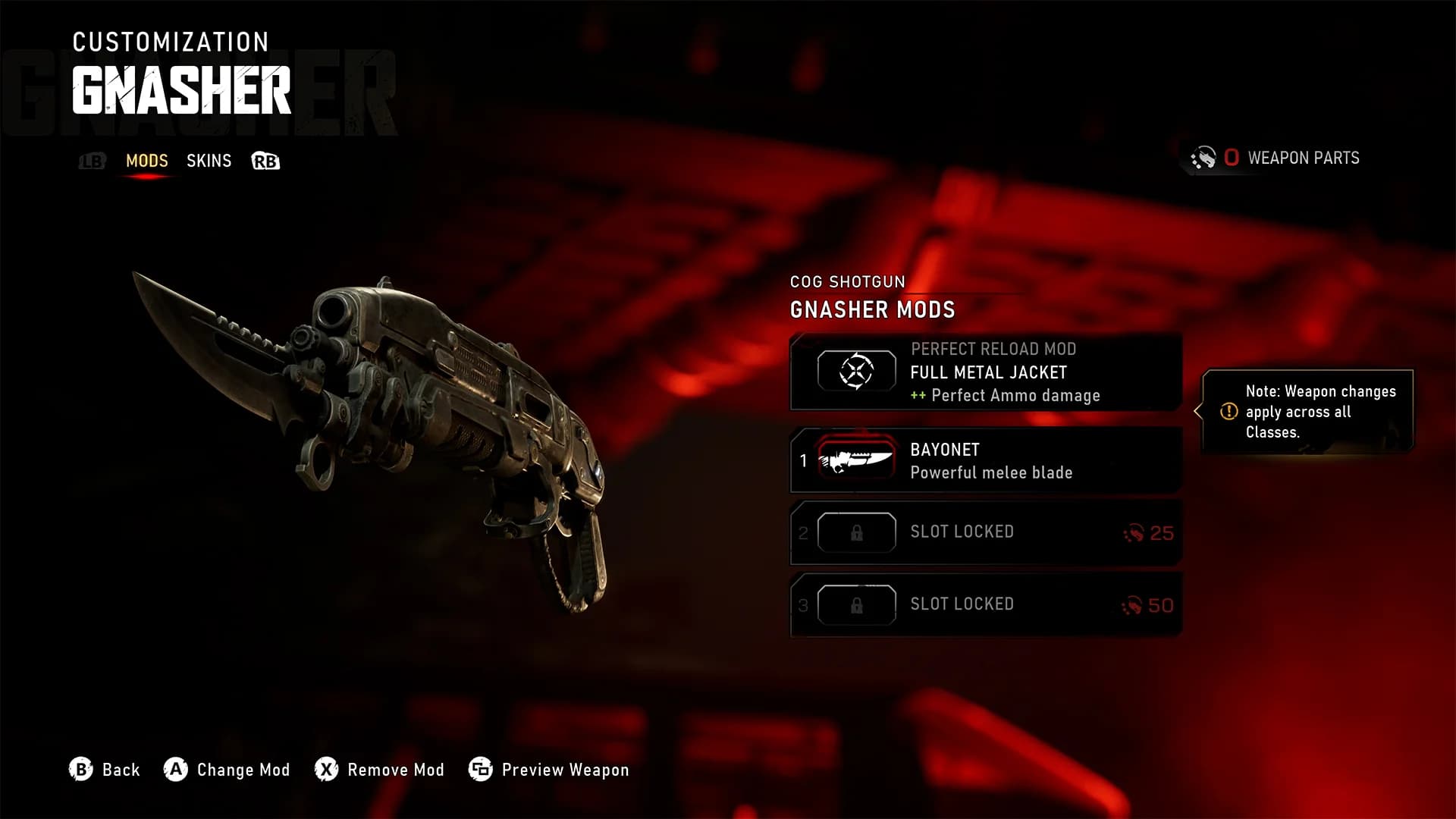
The Active Reload bar now sits just below the reticle, making it easier to watch without looking away from the fight. The settings offer its classic upper-right position. Gnasher and Breechshot load individual rounds, so you can insert one or two and fire again instead of completing a full reload.[3]
Perfect Active Reload effects depend on the weapon. Hammerburst, for example, gains a faster rate of fire. Learn the weapon’s reload rhythm along with its ammo count; the Gnasher now holds six shells.[3]
Sliding, climbing and cover cancels
| Action | What changes in E-Day |
|---|---|
| Sprint slide | Slide from a sprint and shoot, pass under low gaps or enter cover. Launch tuning shortens slide travel. |
| Jump / climb | Reach a nearby ledge and climb without first entering cover. |
| Cover cancel | Cancel the approach before reaching cover. Entry speed and cancellation range were retuned for launch. |
| Direction change | Direction changes carry momentum; launch tuning makes strafing more responsive. |
| Cover Slip | Movement speed during Cover Slip is lower than in the August beta. |
| Low cover | Hunker lower or lie back against debris when taller protection is destroyed. |
The July preview described a 1.5-meter cover-cancel limit. The September 30 launch notes changed that range without publishing a replacement distance, so treat the old number as preview history. Sliding cannot be chained continuously; practice the current timing in Boot Camp before committing to a route.[2][3]
Shoulder swap, sightlines and travel time
You can switch shoulders while aiming. Scopes have sway, and some automatic weapons reward short bursts with more manageable recoil. Bullets have travel time, so distant moving targets require a lead beyond a weapon’s effective range.[3]
Narrow gaps in cover, including car windows, let you aim and shoot through openings. Smoke grenades block both player and AI sightlines, giving you a way to reposition or conceal an approach.[3]
Read the Omen and your remaining downs
The central damage Omen throws blood in the direction of incoming fire. When you are Down But Not Out, the Downs Counter shows how many downs remain before a full Omen means immediate death. In Horde, keep track of this alongside your squad’s remaining lives.[3]
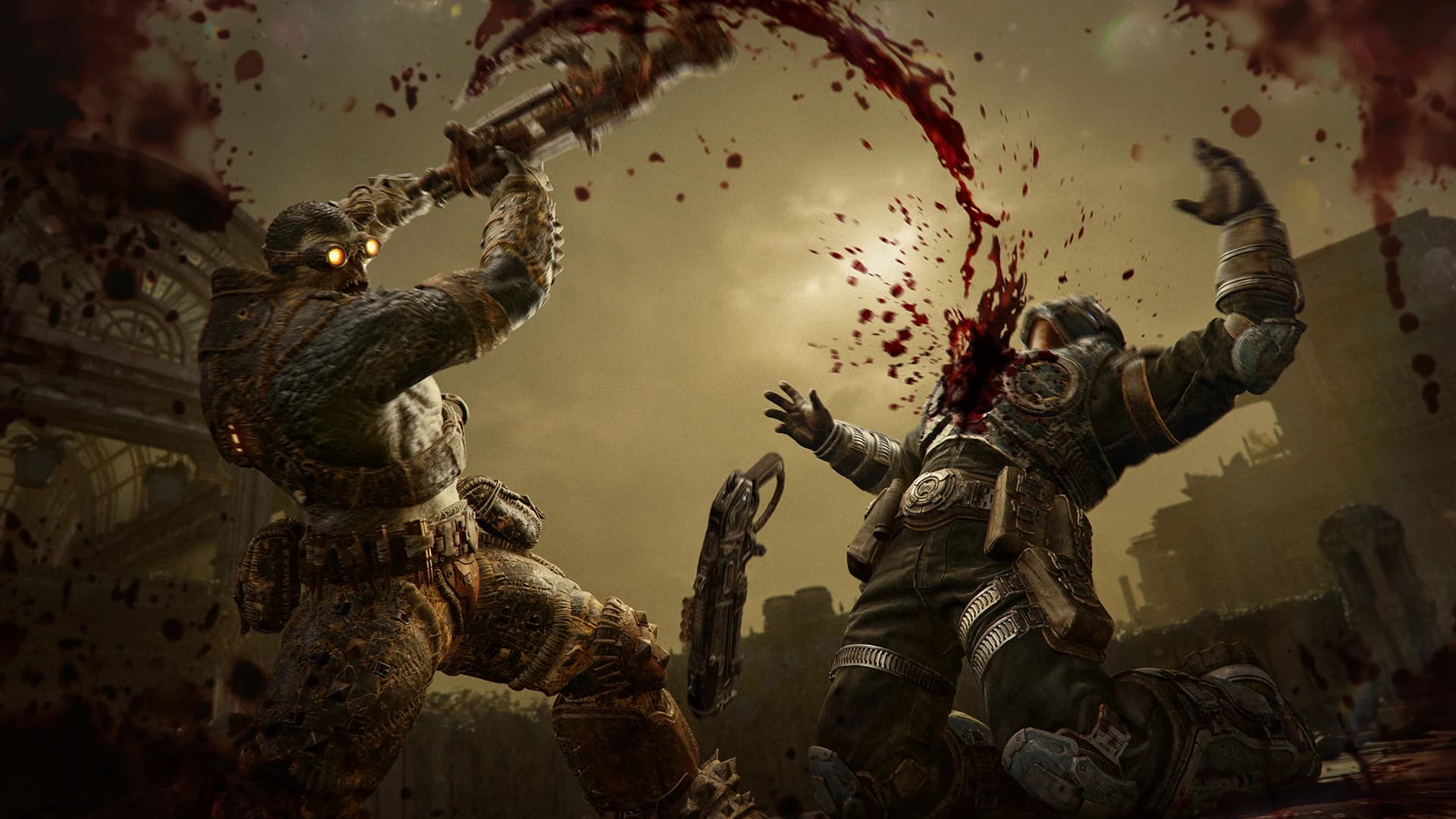
For a chainsaw execution, equip the Prototype Lancer. A Boomer must be weakened to low health first. Heavy weapons slow you down but still allow most movement actions, and turret weapons can be detached.[3]
A useful practice route
- 01
Boot Camp
Follow the basic movement and combat training.
- 02
Combat Training
Try weapons and small encounters, solo or with up to three friends.
- 03
Player vs Bot
Practice full Versus modes against the selected bot difficulty.
Sources & further reading
- E-Day Multiplayer Deep DiveThe Coalition · July 30, 2026
- Emergence Begins: Season 1, launch changes and known issuesThe Coalition · September 30, 2026
- E-Day Gameplay UpdatesThe Coalition · July 31, 2026
- Global launch tipsXbox Wire · October 6, 2026
- E-Day Steam listing: PC requirements, features & cross-platform playXbox Game Studios / Steam