Pick the scheme before changing buttons
Comparing the physical hardware? Inspect the E-Day controllers and accessories. Use the settings below once your input device is connected.
| Scheme | Difference |
|---|---|
| Default | Standard E-Day preset. |
| Modern | Closer to modern shooters. |
| Modern Alt | Slide moves to B. |
| Legacy | Closest to classic Gears. |
| Legacy Alt | Redistributes some A-button actions. |
Toggle Sprint excludes both Legacy schemes. Controller Remap swaps gameplay buttons; Keyboard Bindings reassigns keyboard/mouse actions. Keyboard Sprint Style independently offers Modern (forward plus tap sprint) or Legacy (hold sprint).[1]
G Style's campaign review describes A for slide, Y for jump, B for melee and left-stick sprint in the layout it used. Treat that as a reported layout: your selected scheme and remaps determine your actual buttons.[3]
Four settings for four recurring problems
| If you keep… | Inspect | What it changes |
|---|---|---|
| Sticking to cover while sliding past it | Slide to Cover | Automatic versus manual cover entry during a slide. |
| Reloading unexpectedly on an empty weapon | Auto Reload Mode | Automatic, reload-only, or reload/fire initiation. |
| Returning to an unwanted scope view | Remember Last Aim State | Restores the previous aim/zoom state. |
| Using one turning speed for every aim state | Look / Target / Scope sensitivity | Separate movement, aiming and scope sliders. |
A short practice checklist
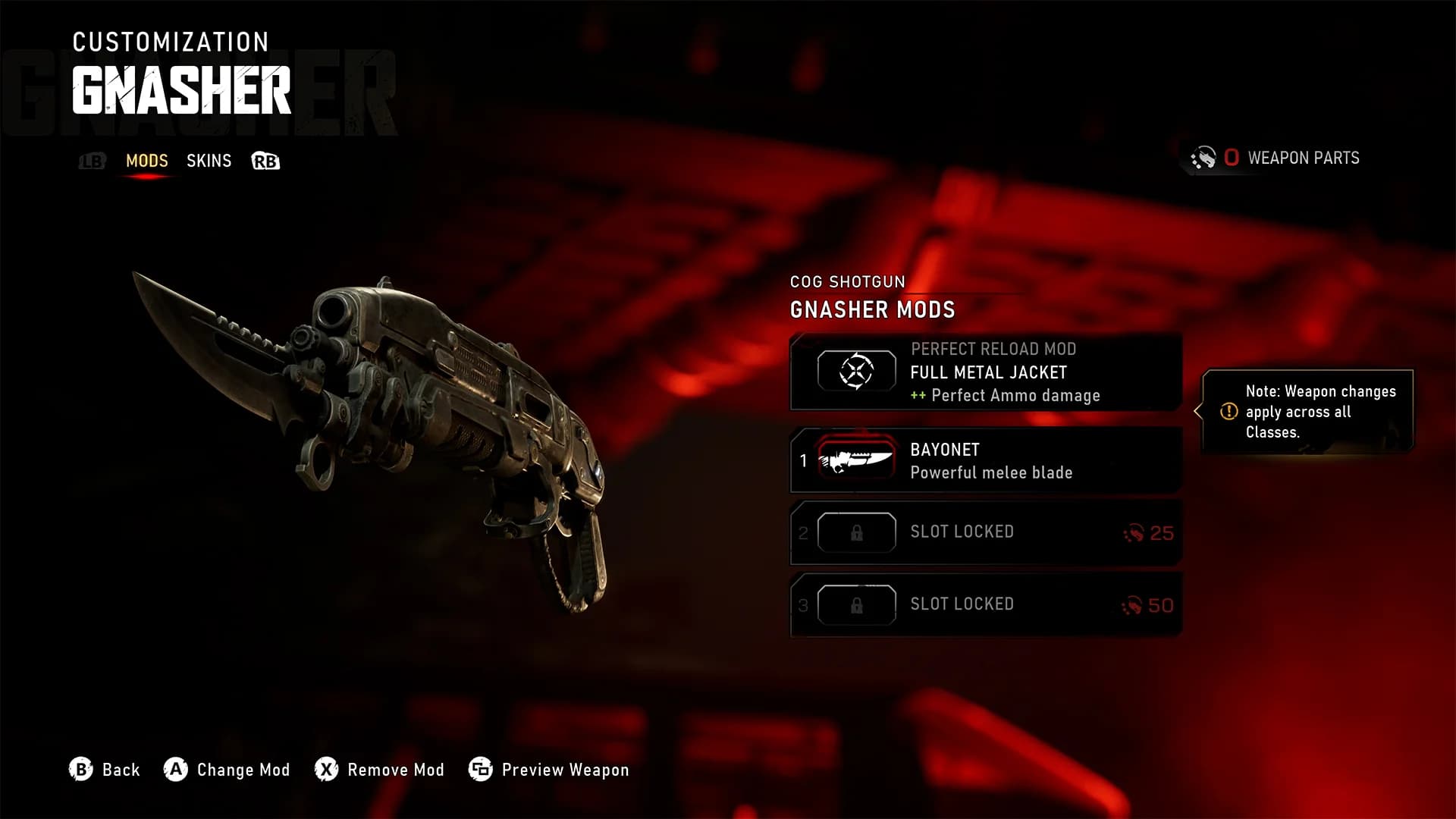
E-Day lets you climb without first taking cover, shoot while sliding and swap shoulders while aiming. Its Gnasher and Breechshot support round-by-round reloads.[4]
Your checks are saved in this browser. This checklist does not sync with the game.
| Done | Drill | Try this | Look for |
|---|---|---|---|
| Movement | Sprint, slide past cover, then deliberately enter it. | You can choose whether to stop or continue. | |
| Traversal | Approach a ledge and climb from standing. | Your jump/climb action is easy to reach. | |
| Reload | Use a full Gnasher reload, then a one-shell reload. | You can return to firing when you intend to. | |
| Aiming | Compare a short target turn and a scoped turn. | Each speed feels predictable; swap shoulders too. | |
| Team calls | Aim, then ping an enemy or object. | A teammate sees the intended marker. |
Ping by aiming, then using the ping action; teammates can see its marker through walls. Reset Setting, Reset Section and Reset All restore defaults; a hexagon identifies changed settings.[1]
Use Combat Basics for timing and cover decisions, Accessibility Settings for aim-assist and navigation options, and Launch Troubleshooting if input stops working.[1][4]