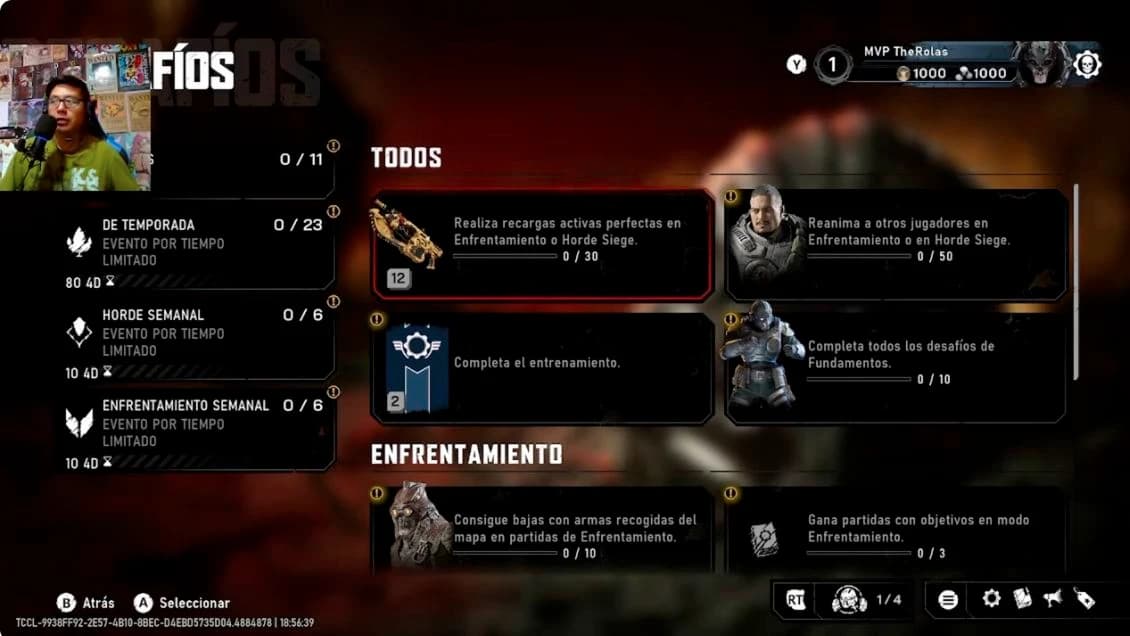
Build a look in three steps
- 01 · CHOOSE
Start with a character
Pick the character and skin you want to use. Open the skin catalog for recorded appearances and price comparisons.
- 02 · MATCH
Choose the presentation
Compare the pose and artwork names below. Keep a short list of items you already own and rewards you want to pursue.
- 03 · CHECK
Read the selected card
Check the item’s actual requirement and availability. Save a checkbox after confirming ownership; these lists do not read your game inventory.
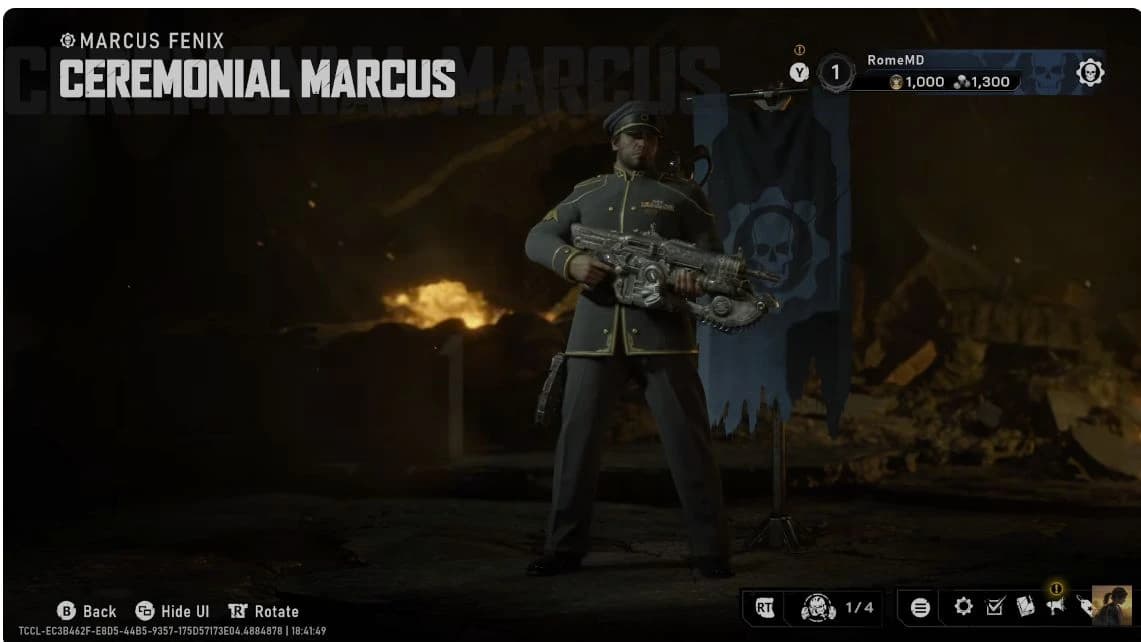
Continue to the character and weapon skin catalog for the outfit and weapon finish. The model above is a recorded appearance, rather than evidence of a named pose below.
Poses: lobby and match presentation
Game8’s October 2 WIP guide lists these five poses. Equip poses in the Barracks at faction selection; they appear in lobbies and match introductions/endings, and cannot be activated during gameplay.[2]
Your checks are saved in this browser. This checklist does not sync with the game.
| Done | Pose | Reported access |
|---|---|---|
| A Rendezvous With Death | Premium Upgrade | |
| We Must Improvise | Premium Upgrade | |
| Battle Ready | Starting | |
| High Carry | Starting | |
| Looming Threat | Starting |
For the separate animated promotion, inspect the Chainsaw Flex artwork and redemption details. Check the offer’s own dates and requirements.
Three recorded profile items
The same frame names a pose, emblem and banner. The banner reads Owned; its price is not shown.[6]
Your checks are saved in this browser. This checklist does not sync with the game.
| Done | Item | Type |
|---|---|---|
| Terminated | Pose | |
| Enlist Today · emblem | Emblem | |
| Enlist Today · banner | Banner |
Use the recorded Shop price comparison to read the depicted offer. Tick a box here after confirming the matching item in your inventory; an Owned label in someone else’s recording does not establish your access.
Titles: choose the words beside your profile
Game8’s October 2 WIP guide reports ten starting titles. Change the equipped title from profile customization at the top right of the menu.[3]
Your checks are saved in this browser. This checklist does not sync with the game.
| Done | Title |
|---|---|
| Boot | |
| Cadet | |
| Civi | |
| Groundwalker | |
| Grub | |
| Kalona Infantry | |
| Maag | |
| Meat Bag | |
| NPC | |
| Target Practice |
Emblems: your profile mark
Game8’s October 2 WIP guide lists six emblems. Equip one in top-right profile customization; the guide reports its display in introductions, endings and the scoreboard.[7]
Your checks are saved in this browser. This checklist does not sync with the game.
| Done | Emblem | Reported access |
|---|---|---|
| COG Army | Starting | |
| Emergence Omen | Premium Upgrade | |
| Locust Horde | Starting | |
| Team COG | Starting | |
| Team Locust | Starting | |
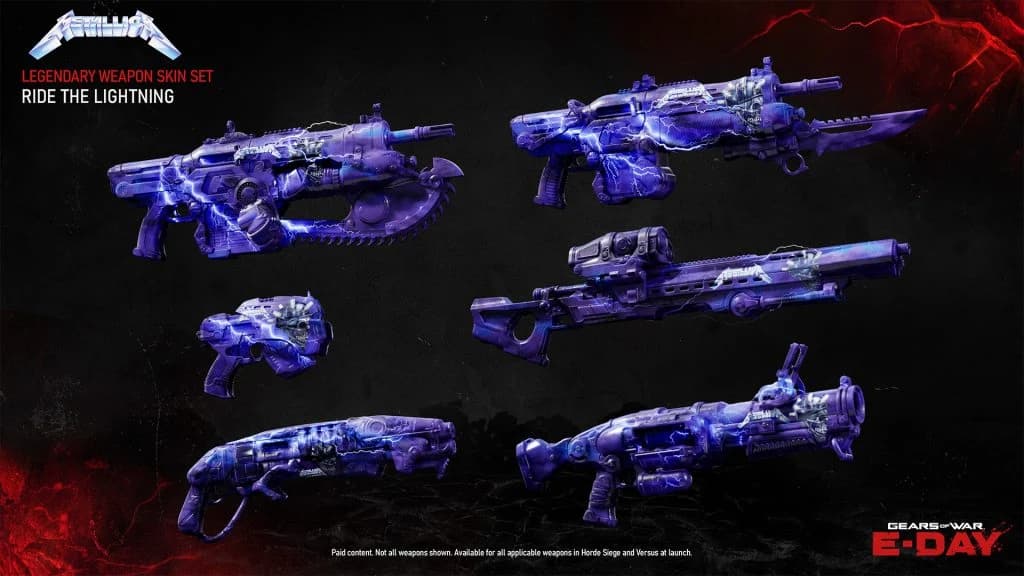
| Metallica | Store · price not supplied |
Icons: the image beside your username
Game8’s October 2 guide lists six icons. Open top-right profile customization, choose Icons and select the image displayed beside your username.[5]
Your checks are saved in this browser. This checklist does not sync with the game.
| Done | Icon | Reported access |
|---|---|---|
| COG Army | Starting | |
| Crimson Omen | Starting | |
| Locust Army | Starting | |
| Phoenix | Starting | |
| Rendezvous Marcus | Premium Upgrade | |
| Metallica | Store · price not supplied |
Check new rewards against your live card
These lists cover the named entries in the inspected guides. They are a starting reference for early access; Medal, seasonal, promotional and rotating Shop rewards extend beyond these tables. An unlisted item is not proof that the game lacks it, and an unspecified price is not a free item.
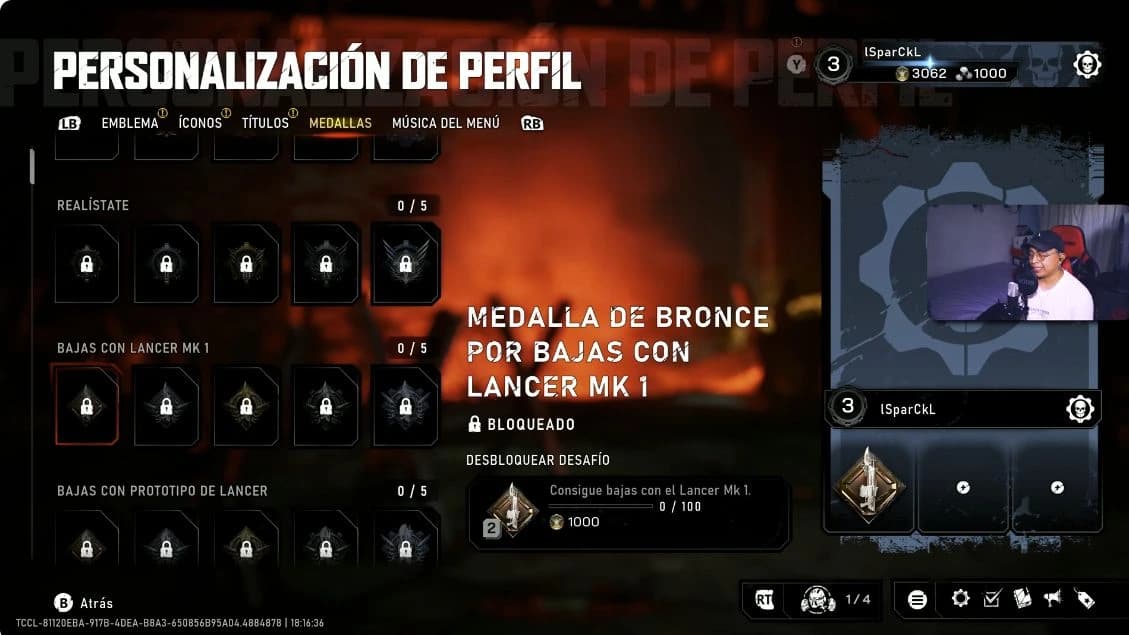
Track the Foundation tasks and rewards, compare Medal targets and Coins, compare season and Re-Up rewards, or read the Steam bundle guide before choosing a reward to pursue.
Sources & further reading
- All Gears Of War E-Day COG, LOCUST, WEAPON SKINS Showcase: recorded variant previewsRomeSW · YouTube · October 2, 2026
- Poses: published named entriesGame8 · October 2, 2026
- Titles: published named entriesGame8 · October 2, 2026
- Banners: published named entriesGame8 · October 2, 2026
- Icons: published named entriesGame8 · October 2, 2026
- Recorded Shop offer tilesNixstah · YouTube · Inspected October 3, 2026
- Emblems: published named entriesGame8 · October 2, 2026